

Semantic Models
Describe your tables as datasets with fields, relationships, and metrics using OSI YAML. Models are stored internally as OSI YAML and converted to a compressed markdown digest (3–5× fewer tokens) when served to agents.
// Documentation
archmax semantics describes your databases with business context, you sharpen the result, and AI agents query it safely through MCP.
archmax semantics helps you create semantic descriptions of your database schemas (tables, columns, relationships, and metrics) and expose them to AI agents through the Model Context Protocol (MCP). Instead of giving AI agents raw database access, you give them a curated, documented view of your data.
Semantic Models
Describe your tables as datasets with fields, relationships, and metrics using OSI YAML. Models are stored internally as OSI YAML and converted to a compressed markdown digest (3–5× fewer tokens) when served to agents.
MCP Server
Expose your semantic layer to AI agents via MCP tools. Agents discover models, understand field meanings, and run scoped SQL queries.
Data Federation
Query across Postgres, MySQL, MSSQL, SQLite, DuckDB, and Iceberg REST Catalog databases from a single project using DuckDB’s federation engine.
Admin UI
Manage projects, connections, and semantic models through a modern web interface with a chat-based AI model builder.
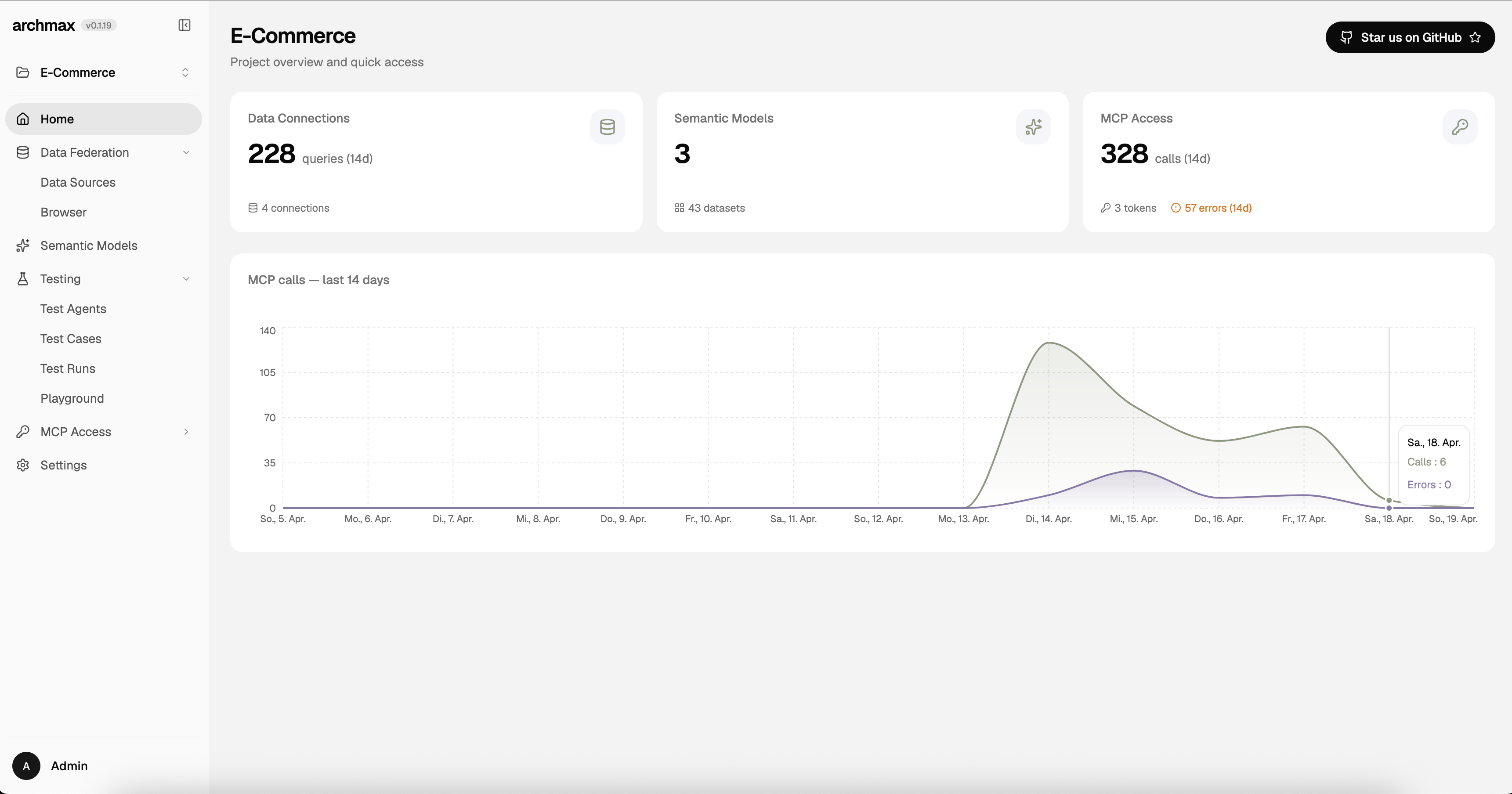
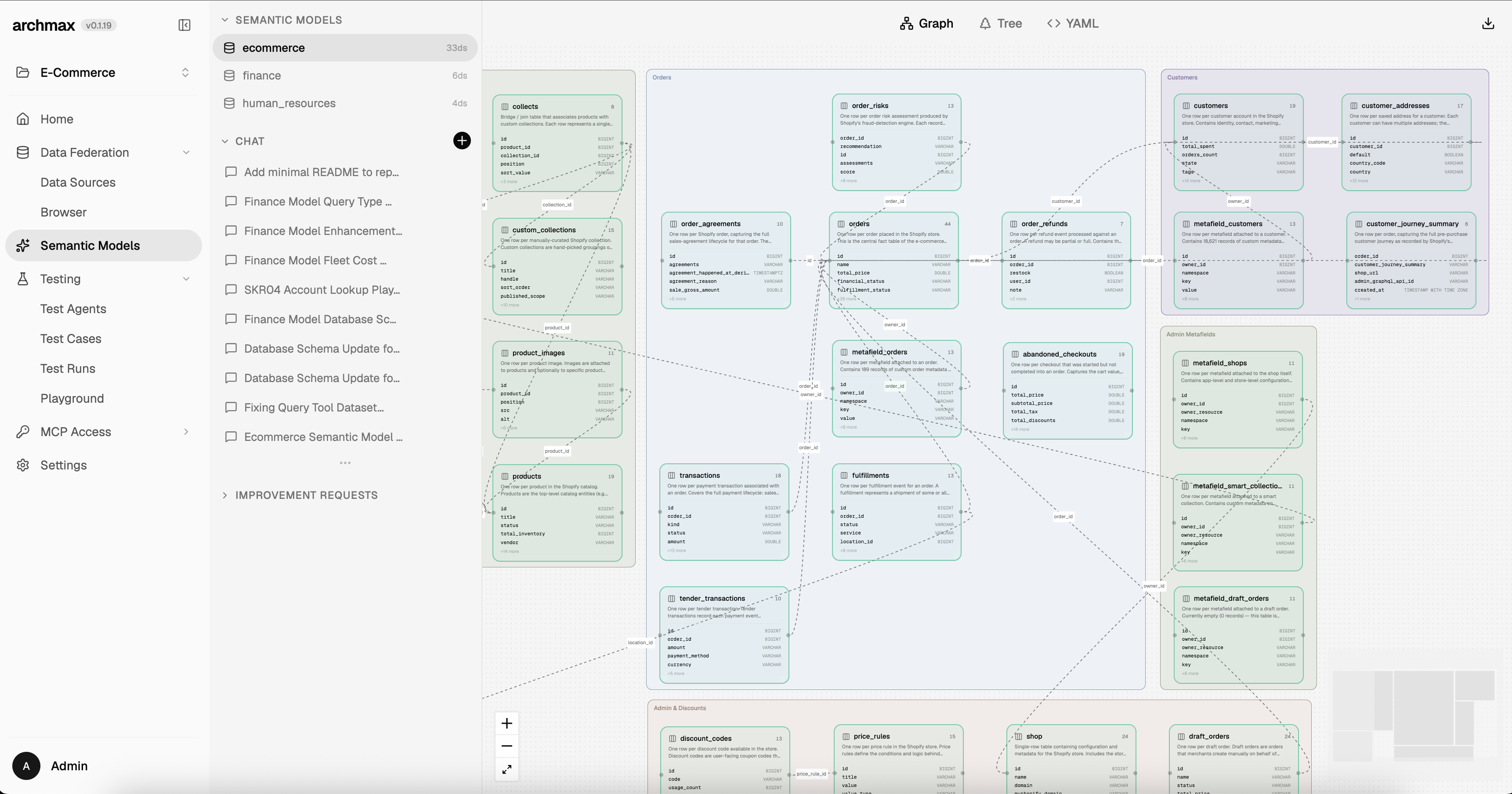
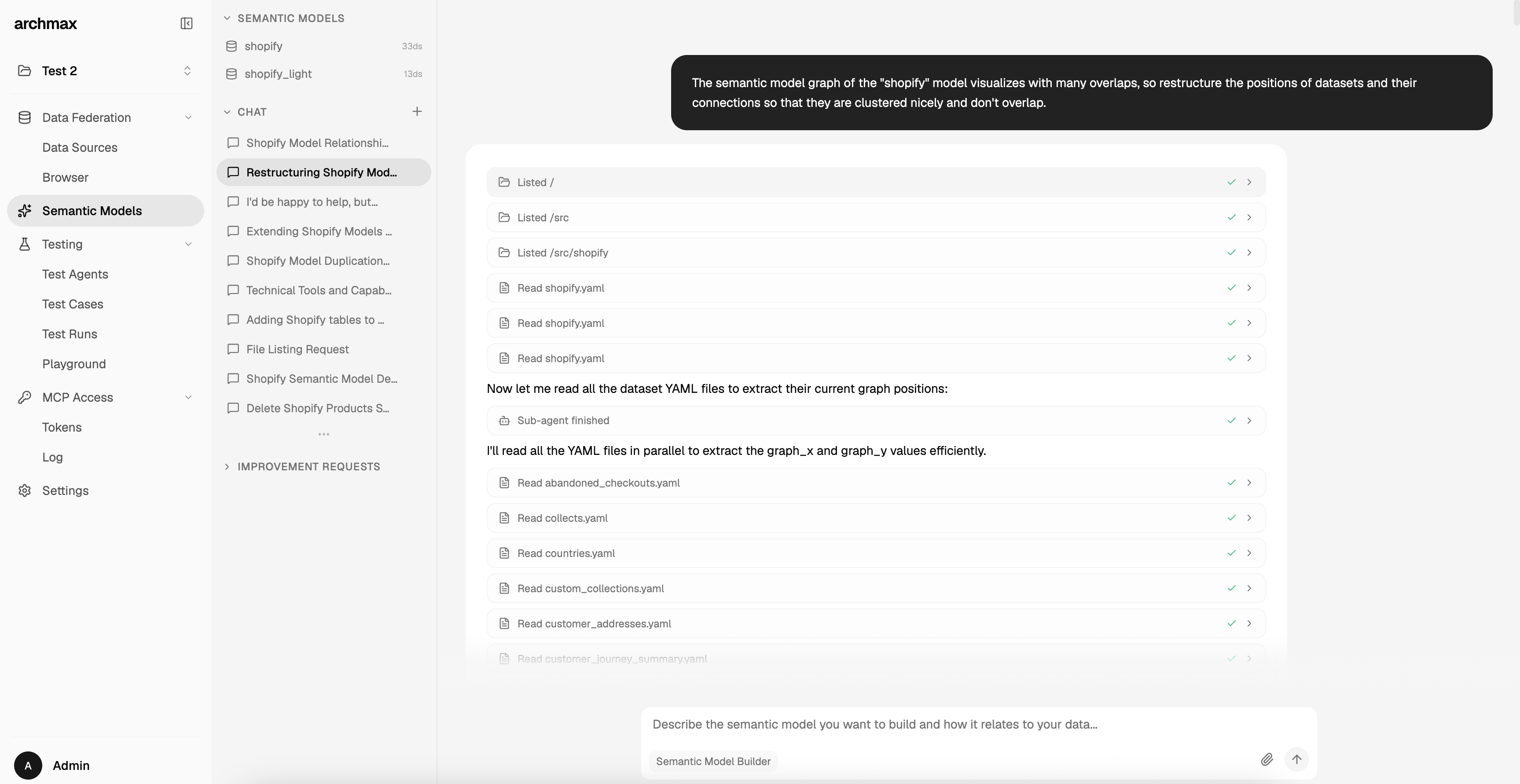
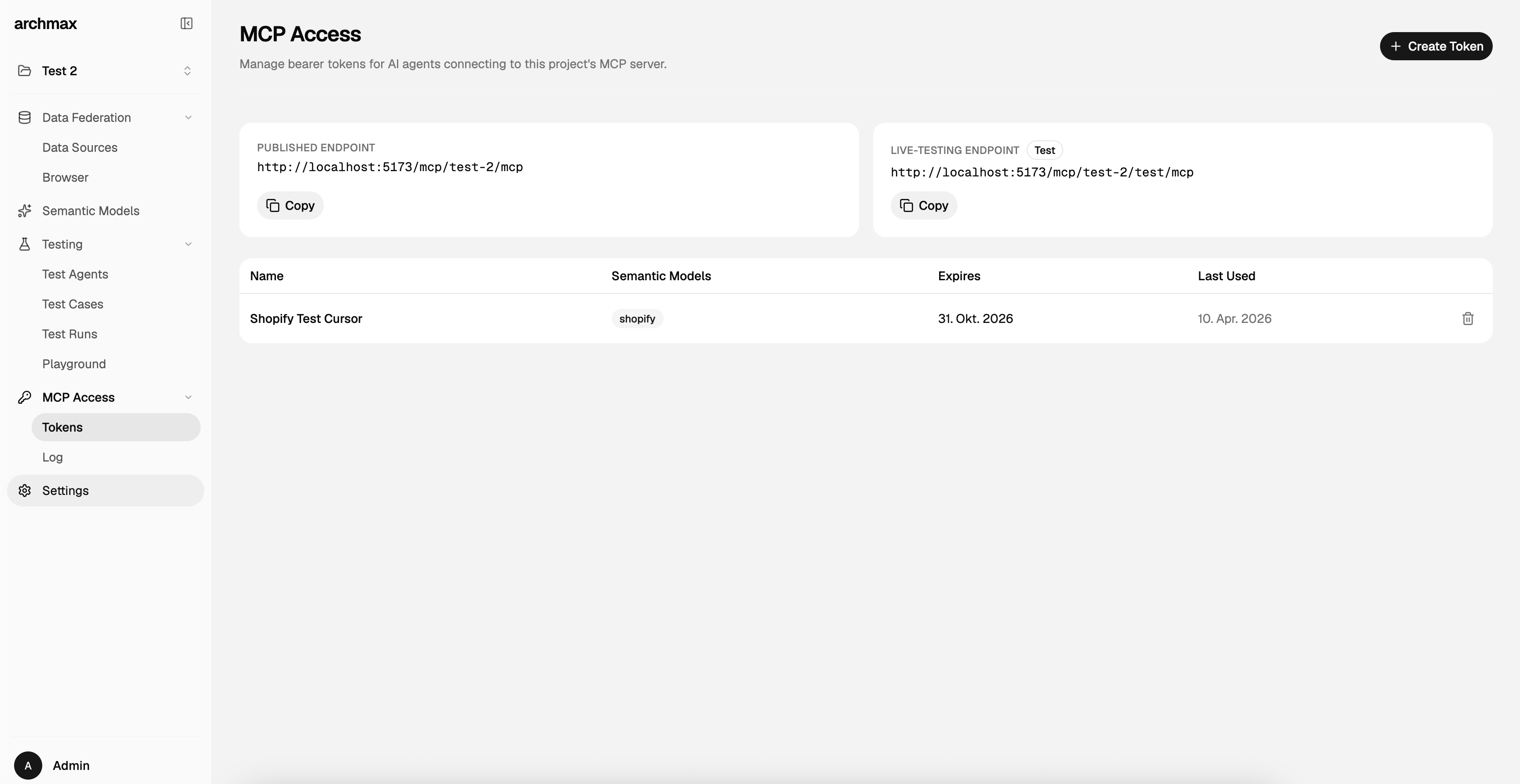
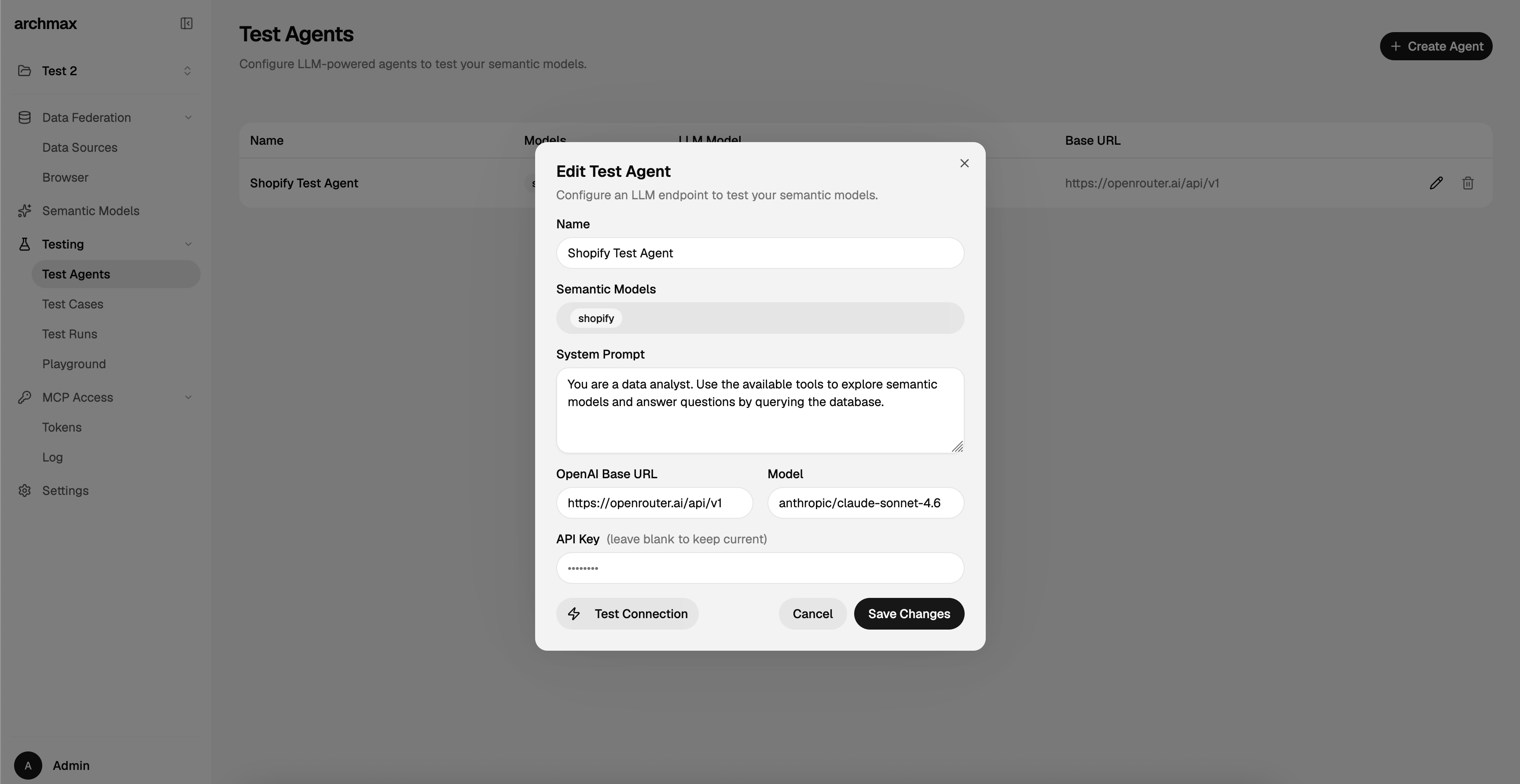
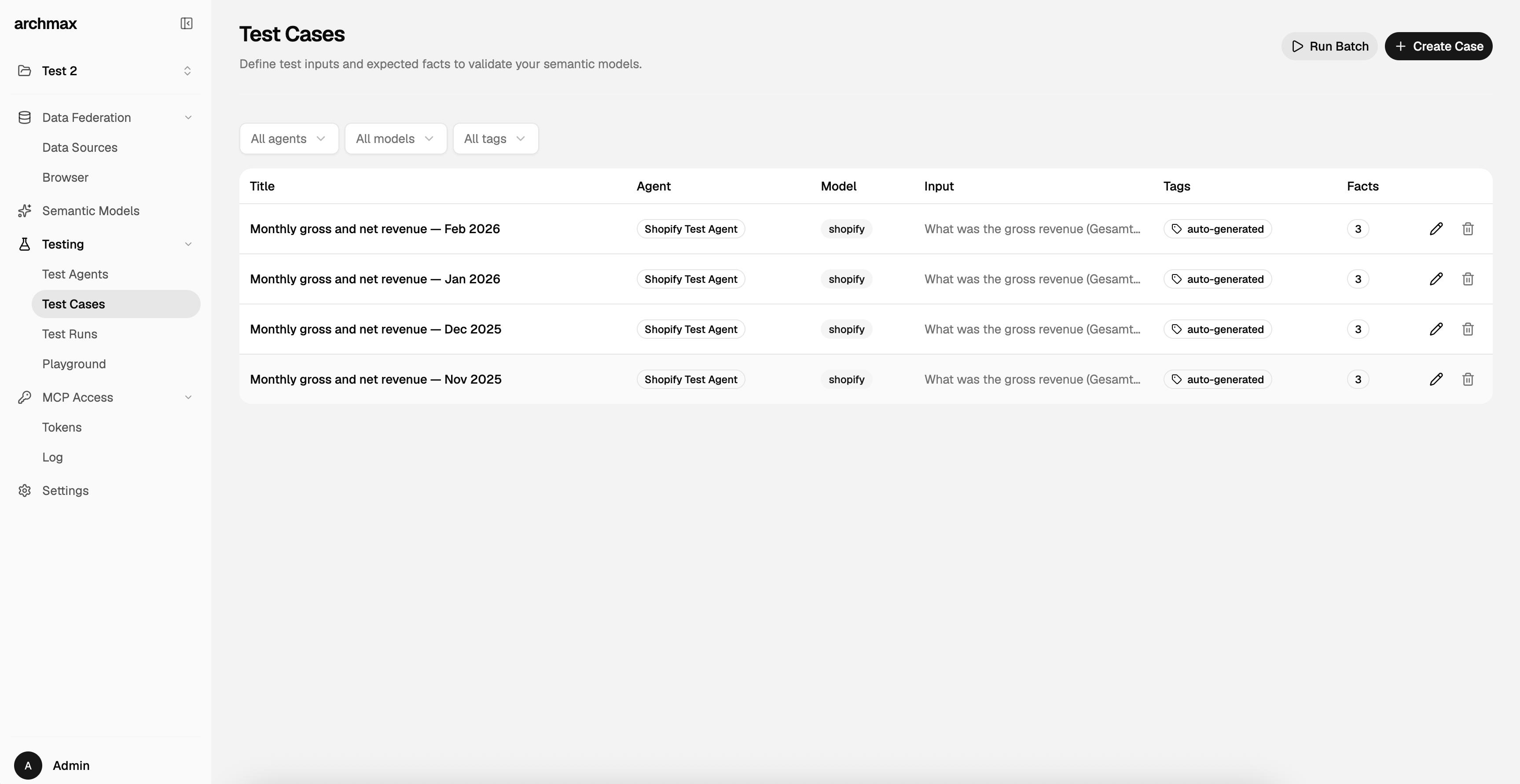
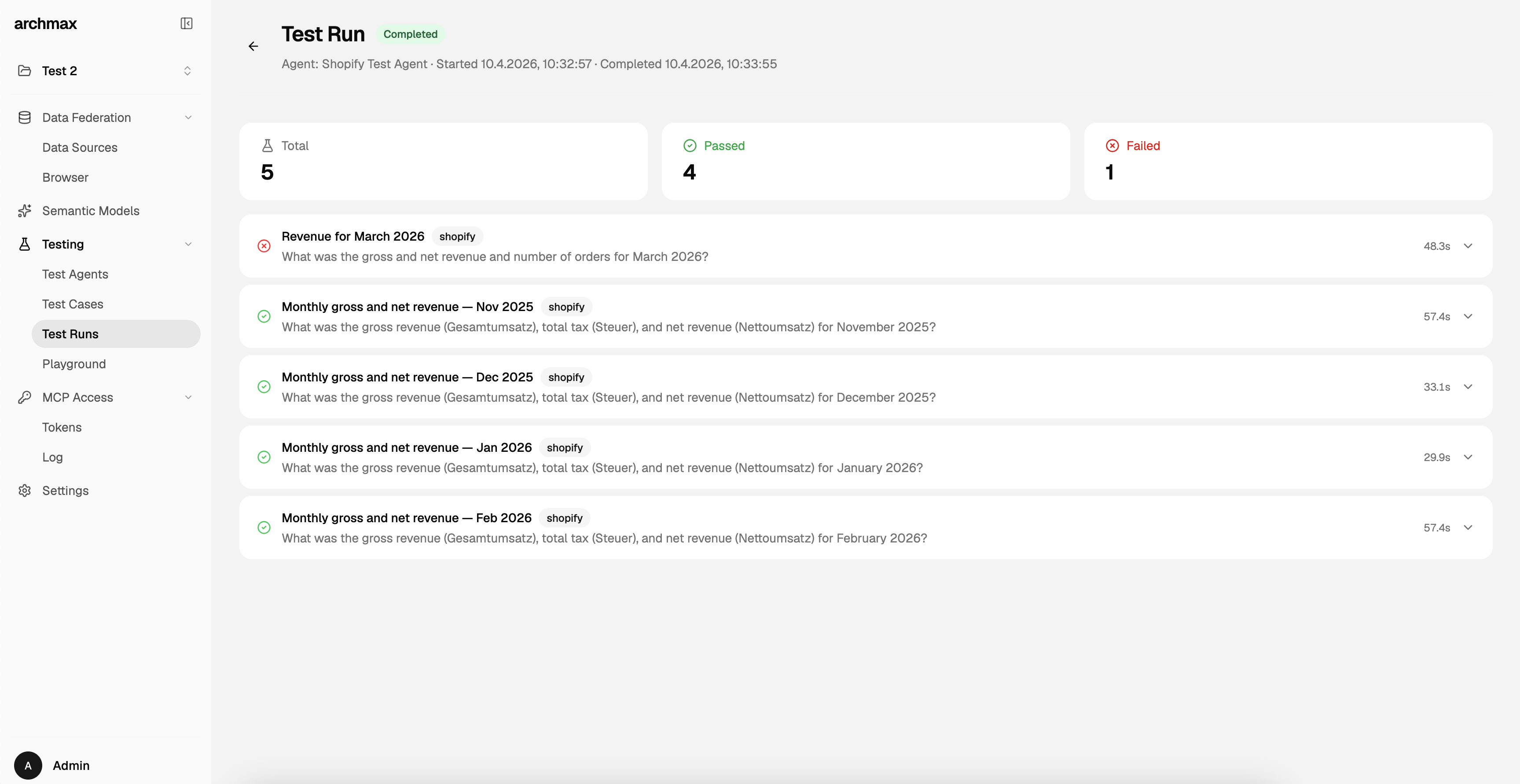
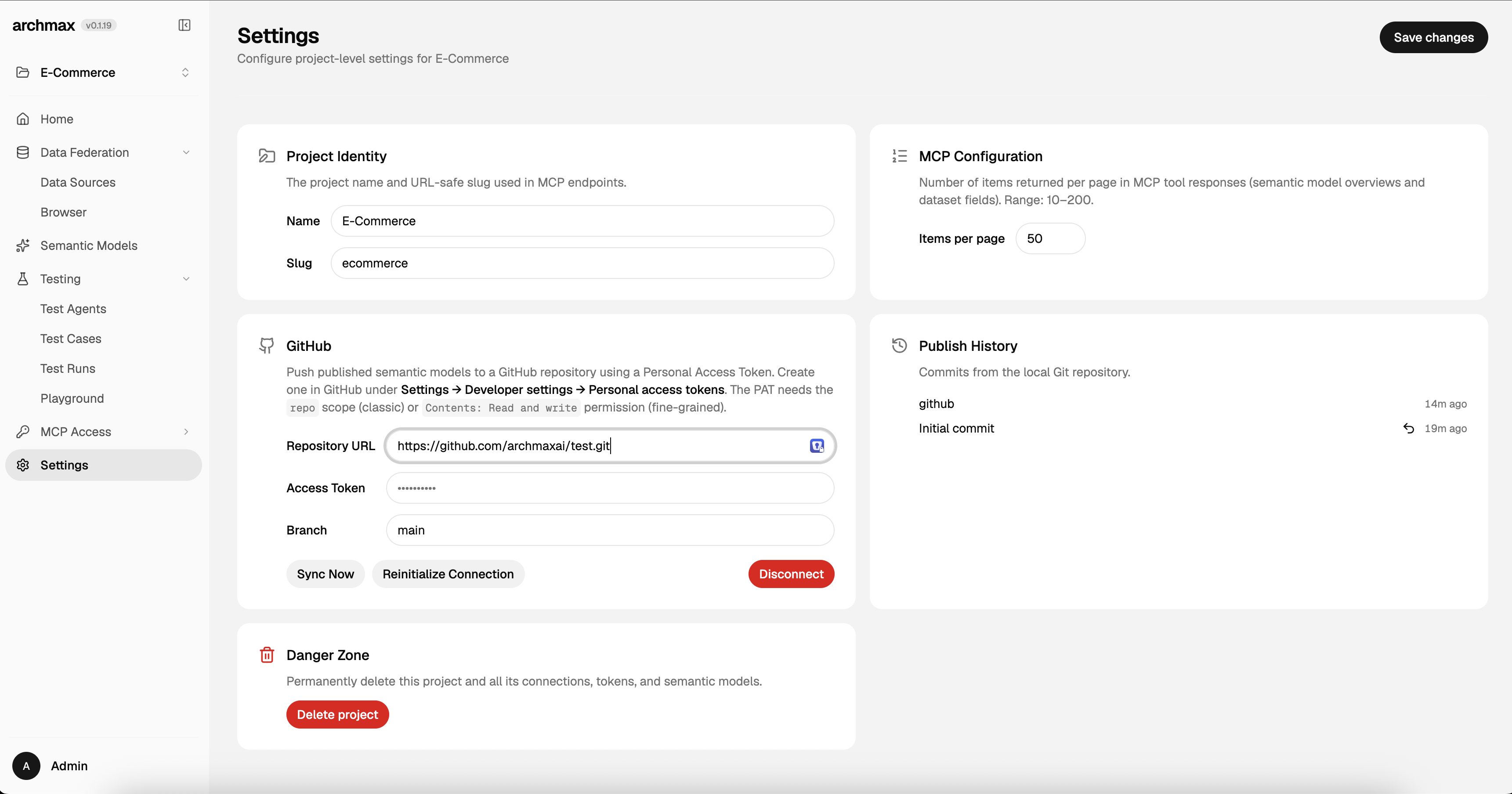
Once deployed, the admin UI provides these main areas:
| Section | What you do there |
|---|---|
| Projects | Create and manage projects. Each project groups related database connections and semantic models. |
| Semantic Models | Build and edit semantic models. Start a chat conversation describing what you want, and the AI agent assembles the model for you. You can also edit models manually. |
| Data Federation | Add database connections (Postgres, MySQL, MSSQL, SQLite, DuckDB, Iceberg), test them, and manage which are active for querying. Includes Console for ad-hoc federated SQL and extension install. |
| Data Browser | Explore the schemas, tables, and data from your active connections. |
| MCP Access | Create and manage MCP tokens that external AI agents use to connect to your semantic layer. Configure scopes, permissions, and expiry. |
| Testing | Define test cases (questions an AI agent should answer), create test agent configurations, and run tests individually or in batch to validate your semantic models. |
| Version Control | Built-in Git tracks every publish. Optionally connect a GitHub remote to sync your semantic models to an external repository. See the Version Control guide. |